How to Delete a Google Business Profile: Removal vs. Permanent Deletion
Don't just hit delete. Learn the difference between removing a profile from your account and permanently deleting a business from Google Maps.
Deleting a business presence on Google is not a single action. You must distinguish between removing a profile from your management dashboard and deleting the business entity from Google Maps to avoid losing ownership while the listing remains public.
Account Removal vs. Listing Deletion: Know the Difference
If you are searching for how to delete a google business profile, you first need to identify your goal: do you want to stop managing the listing, or do you want the business to disappear from the internet?
Removing a profile from your account is an administrative action. It unlinks your email from the Business Profile Manager, but it does not erase the business from Google Search or Google Maps. The listing stays live, and if another user has ownership rights, they continue to manage it. If no one else is verified, the listing becomes « unclaimed, » but it remains visible to the public.
Conversely, deleting a listing (or marking it as closed) is a public-facing action. This tells Google that the business no longer exists at that location. Crucially, reviews are tied to the business entity, not the manager’s account. Even if you remove GBP account access, the reviews, photos, and ratings persist because they belong to the business’s public record.
| Action | Impact on Management | Impact on Public Visibility | Review Status |
|---|---|---|---|
| Account Removal | Manager loses access | Listing remains active | Stay attached to business |
| Listing Deletion | Management ends | Listing marked closed/removed | Stay attached to business |
| Mark as Closed | Management continues | Appears as « Permanently Closed » | Stay attached to business |
How to Remove a Google Business Profile from Your Account
This process is for owners or managers who no longer wish to be associated with a specific listing, perhaps due to a change in business ownership or a shift in agency management. This action does not result in a permanently closed Google Maps status; it simply transfers or vacates the management seat.
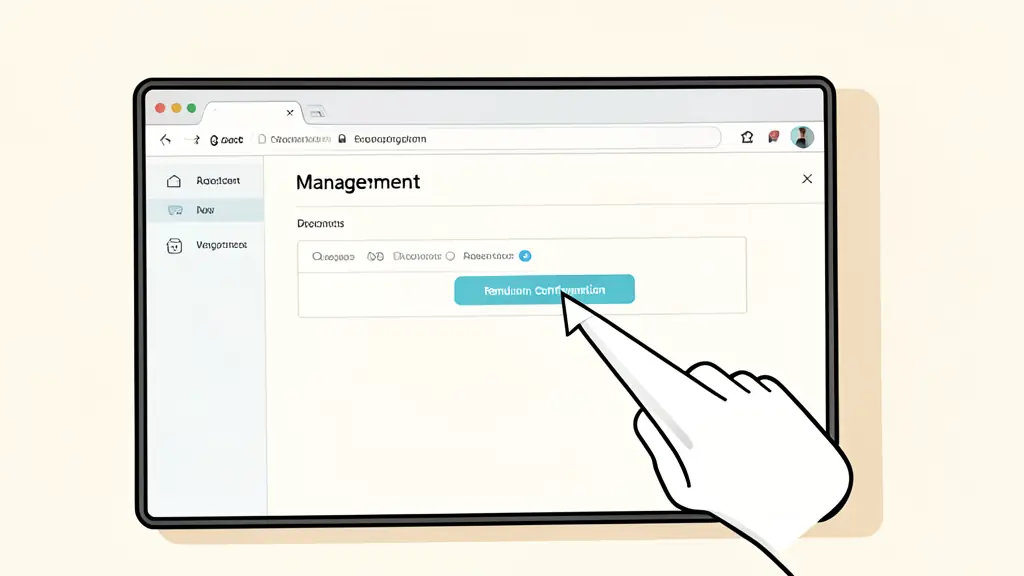
To unlink your account, follow these steps:
- Log into the Business Profile Manager.
- Select the specific business you wish to remove from your portfolio.
- Navigate to the « Actions » or « Settings » menu (depending on your current interface version).
- Select « Remove business profile. »
- Confirm the removal in the pop-up window.
Once confirmed, you lose all ability to edit the profile, respond to reviews, or update business hours. If you were the sole owner, the profile remains on the map as an unverified listing, which any other authorized representative can attempt to claim via ownership verification.
How to Permanently Delete a Business Listing from Google Maps
When a business ceases operations entirely, simply removing the account is insufficient. You must signal to Google that the entity is gone. Because Google aggregates data from across the web, a listing is rarely « deleted » in the traditional sense; instead, it is marked as defunct.
For verified owners, the most effective path is to change the business status to « Permanently Closed. » This updates the listing in Google Search and Google Maps, informing potential customers that the business is no longer operational.
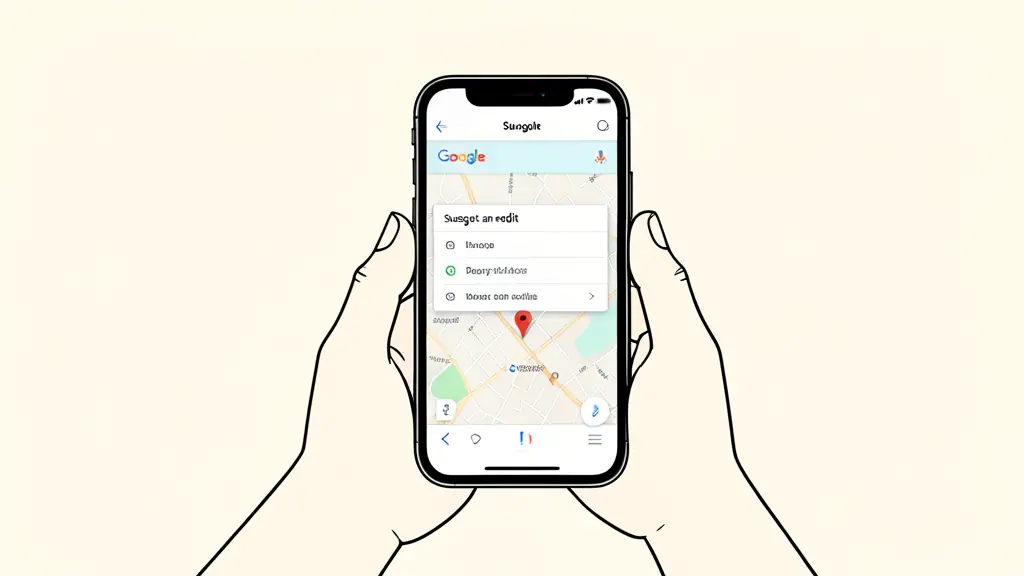
For unverified listings or those you no longer control, use the « Suggest an edit » feature:
- Search for the business on Google Maps.
- Click on « Suggest an edit. »
- Select « Close or remove. »
- Choose the reason (e.g., « Permanently closed, » « Does not exist, » or « Duplicate of another place »).
- Submit the request for review.
Be aware that Google may require verification from other users or third-party data sources before the change is reflected. If you later decide to reopen, attempting to recover deleted business profile data is difficult because the « Closed » status can negatively impact Local SEO signals if not handled correctly.
Why Your Business Still Appears After Deletion
A common frustration for business owners is the Google Business Profile ghost listing. This occurs when you have successfully deleted your managed profile, yet the business still appears in search results or on the map.
This happens because Google does not rely solely on the Business Profile Manager. Google’s algorithm scans thousands of third-party directories, social media profiles, and local citations. If your business is still listed on Yelp, Yellow Pages, or a local chamber of commerce website, Google will continue to generate a « placeholder » listing based on that aggregated data.
To fully eliminate a ghost listing, you must perform a citation audit and remove the business information from these external sources. Until the external data is scrubbed, Google will continue to serve the listing to users to ensure the search experience remains comprehensive.
Can You Recover a Deleted Profile?
Recovery depends entirely on which action you took.
If you simply removed the profile from your account, recovery is straightforward. You can re-claim the listing through the standard ownership verification process. Since the listing never left Google Maps, all your photos, reviews, and historical data remain intact.
However, if the listing was marked as permanently closed or removed through a « Suggest an edit » request, the process is more complex. While you can mark a « Permanently Closed » business as « Open » again, you are essentially fighting against a negative status signal. If the listing was entirely purged from the index (which is rare), you must create a new profile from scratch, meaning you lose all previous review history and ranking momentum.
FAQ
Will my reviews disappear if I remove the profile from my account?
No. Reviews are attached to the business listing itself. Removing the profile from your account only removes your ability to manage those reviews, not the reviews themselves.
Envie d'aller plus loin ?
Laisse ton email, on te prévient dès qu'un nouvel article sort.